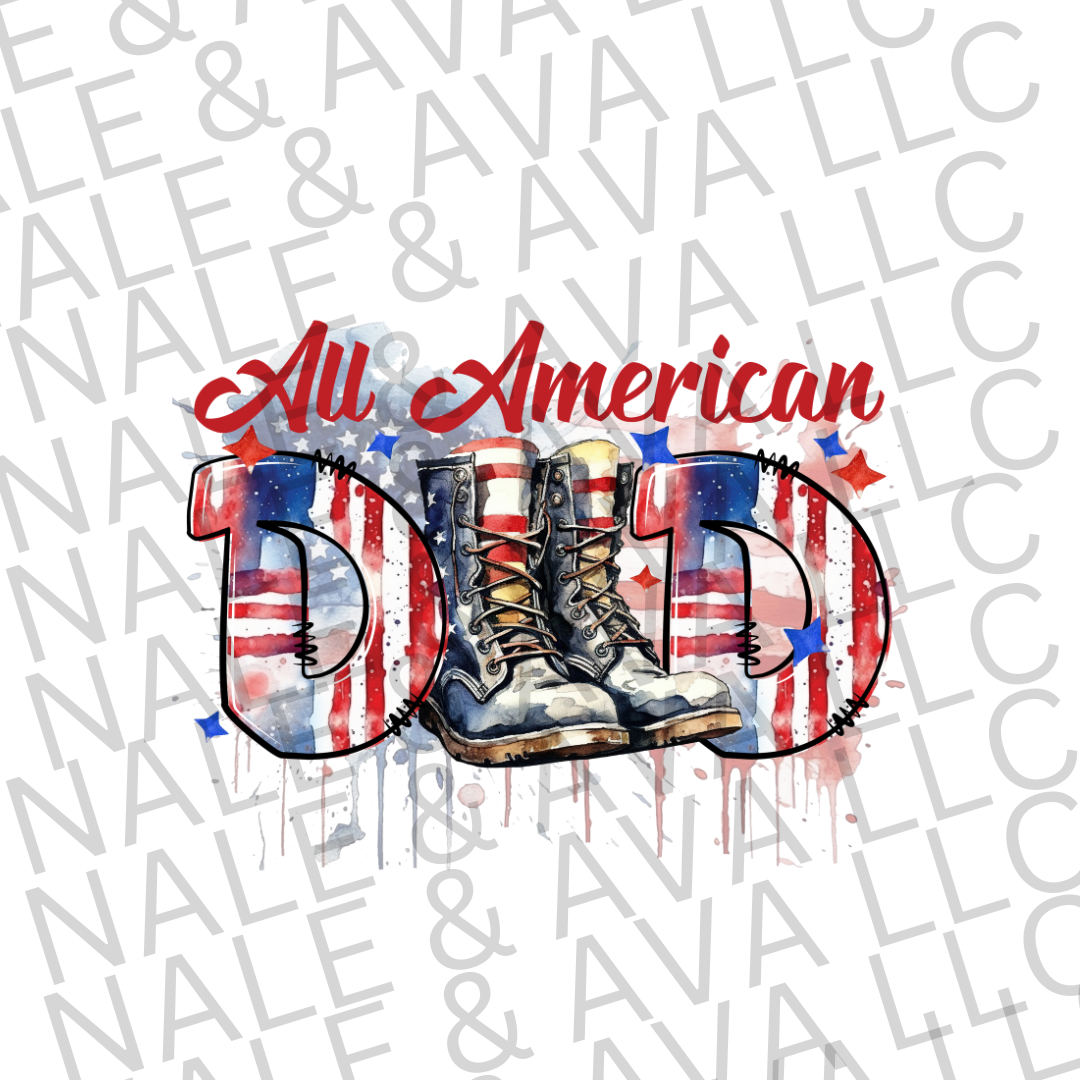
All American Dad DTF Transfer
All American Dad DTF Transfer
Couldn't load pickup availability
Product details
Product details
Celebrate fatherhood and patriotism with the All American Dad DTF Transfer, designed for custom t-shirt makers, small business owners, and DIY apparel creators who want professional results without the hassle. This high-quality direct to film (DTF) heat transfer delivers bold color, crisp detail, and long-lasting durability on a wide range of fabrics.
Perfect for Father’s Day shirts, patriotic apparel, 4th of July t-shirts, veteran-inspired designs, and everyday dad wear, this transfer presses cleanly and stretches without cracking or peeling. Whether you’re producing custom shirts for customers or adding best-selling dad designs to your inventory, this transfer is built for efficiency and consistent results.
Compatible with cotton, polyester, blends, and light or dark garments, the All American Dad DTF Transfer is press-ready and ideal for heat press or home press use. No weeding, no layering, and no cutting required—just press and sell.
This listing is for the DTF transfer only. Garments are not included.
YOU MUST USE A COMMERCIAL HEAT PRESS FOR ALL TRANSFERS SOLD IN THIS STORE.
A CRICUT EASY PRESS OR IRON WILL NOT WORK!
**This is a DTF Transfer only**
Heat your press to 320-330° F depending on your press. I have found the 330 F is my sweet spot.
We recommend starting with a lower temp and going to a higher temp if needed. Some presses run hot, some have cold spots. We recommend testing your press in multiple areas with a heat gun and practicing with extra transfers to find your "sweet spot."
Roll your garment with a fabric roller to remove as much lint as possible. Pre-press the shirt or material for 5 seconds before adding the transfer to remove moisture.
Lay the transfer down flat with the ink facing the material. The image should be facing you.
Press with extremely heavy pressure for 30 seconds.
Remove from heat press and after 15 seconds peel the transfer film off of the shirt for a seamless peel.
Place substrate back onto heat press & cover the design with a Teflon sheet or Butcher paper.
Press for 30 more seconds to ensure the transfer has properly adhered to your substrate.
If the transfer does not stick, put the transfer paper back down, and press for a few more seconds. Transfers not sticking are usually due to uneven heating across the press, not enough pressure, and/or not pressed long enough.
DTF transfers can be pressed onto any shirt material including cotton and polyester.
Nale & Ava LLC is not responsible for operator or machine error when applying screen print, DTF, or sublimation transfers. We recommend purchasing extra of each transfer and practicing with your machinery, temperatures, pressure, and times before attempting your final product.